🇬🇧 English
sales@aticoexport.com
Send Enquiry
Talk to Us:
+91 98967 93832
9896793832
|
+91 99961 86555
Home
About Us
Products
Automobile Engineering Lab Equipment
Automotive and Transportation Technology
Biology Lab Equipment
Biomedical Lab Equipment
Chemical Engineering Lab Equipment
Chemistry Lab Equipment
Civil Engineering Lab Equipment
Educational Lab Equipment
Educational Lab Trainer Kits
Electrical Engineering Lab Equipment
Electronics Lab Trainer Kits
Engineering Lab Equipments & Kits
Engineering Lab Trainer Equipments
Fluid Mechanics Lab Equipment
Hybrid Electrical Vehicle Hydrogen Fuel Technologies
Hydrogen Energy Equipments
Laboratory Equipments
Laboratory Microscope
Material Testing Lab Equipment
Mathematics Lab Equipment
Mechanical Engineering Lab Equipment
Medical Lab Equipment (Pharmacy Lab Equipment)
Metallurgical Engineering Lab Equipment
Mining Laboratory Equipment
OilField Petroleum Testing Equipment
Physics Lab Equipment
Physics Lab Experiments Setup
Physiological Research Lab Equipment
Research Lab Equipment
STEM Lab Kits
School Science Lab Equipment
School Science Lab Kits
Specialised Engineering Labs
Technical Education Equipments
Testing Lab Machines
Vocational Training Lab Equipment (TVET)
Blog
Certificates
Tenders
Contact Us
Loading product…
Home
Products
Computer Hardware and Network Technology
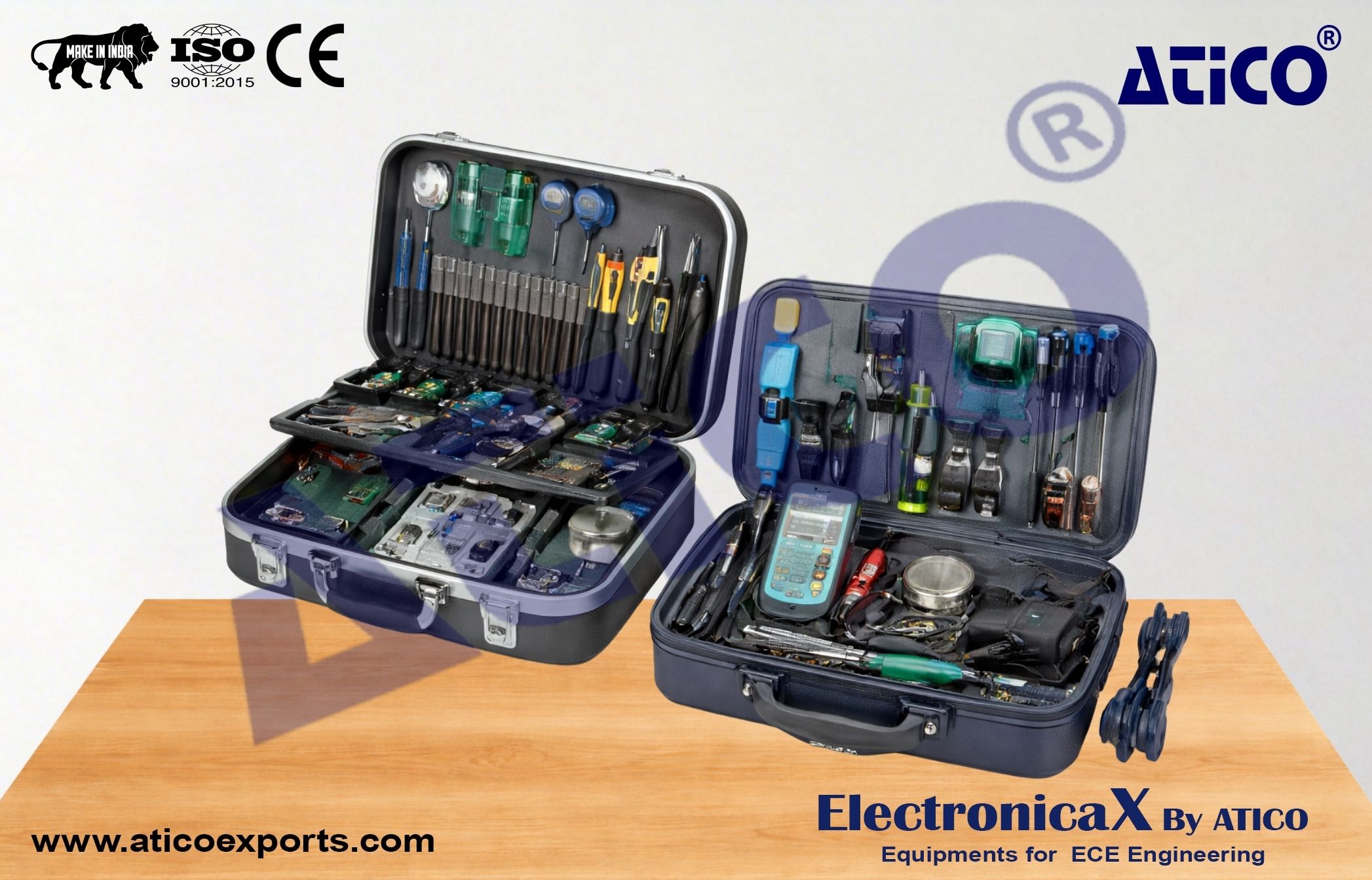
Computer Troubleshooting Trainer
Computer Troubleshooting Trainer
Category:
Computer Hardware and Network Technology
Share Product
Get Quote
Need Help?
+91 98967 93832
Product Overview
Identify basic procedures for adding and removing field replaceable modules.
Configure and apply BIOS settings.
Identify motherboard components, their purposes, and properties.
Differentiate among various CPU types and features and select the appropriate configuration.
Identify common symptoms and problems associated with each module and how to troubleshoot and isolate the problems.
Given a scenario, use appropriate safety procedures.
Explain environmental impacts and use proper maintenance products and procedures.
Explain environmental impacts and the purpose of environmental controls.
Compare and contrast the features and requirements of various Microsoft Operating Systems.
How to identify and use various types of preventive maintenance products and procedures.
Similar Products
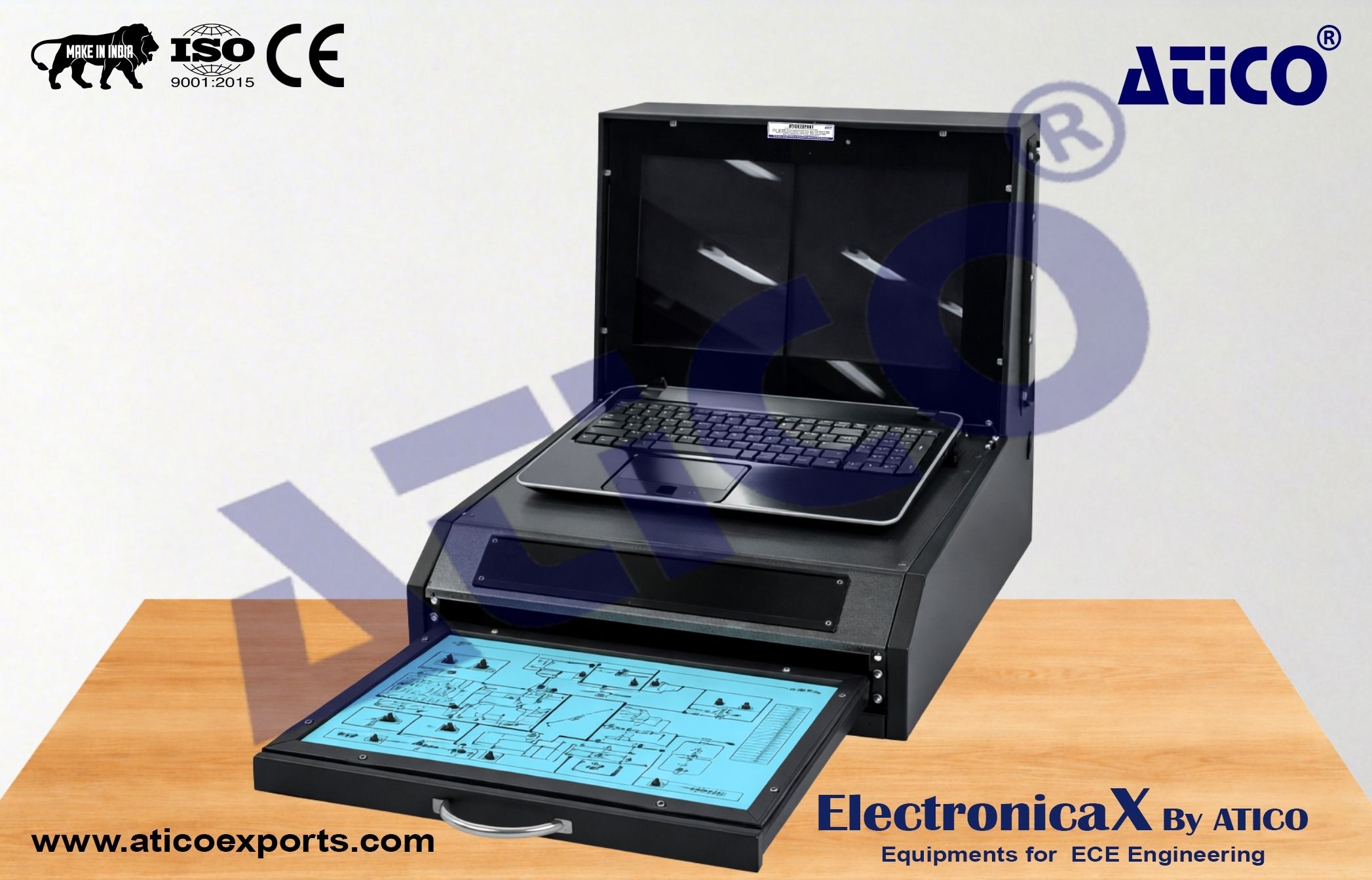
Laptop Troubleshoot Trainer
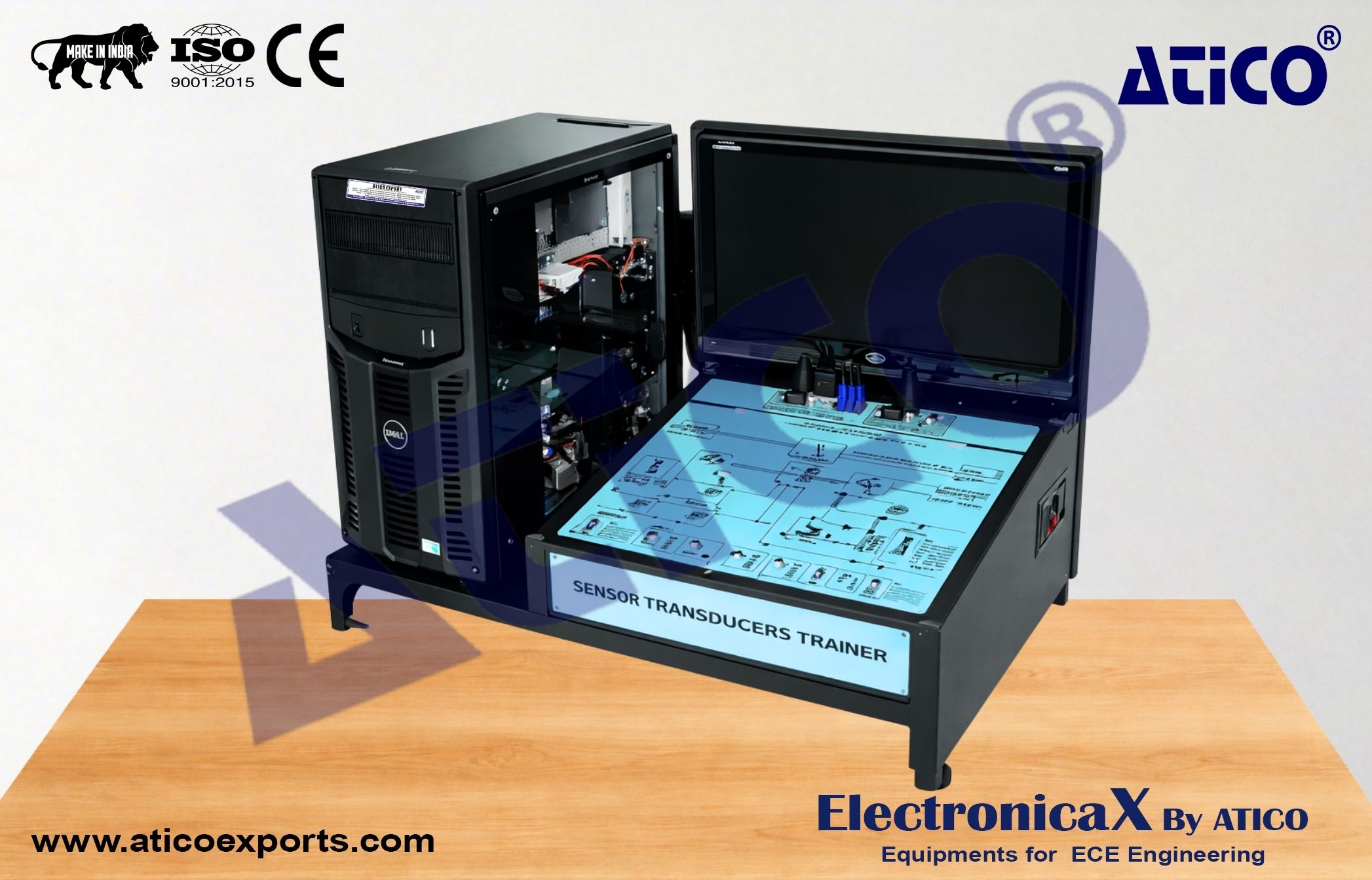
Server Troubleshooting Trainer
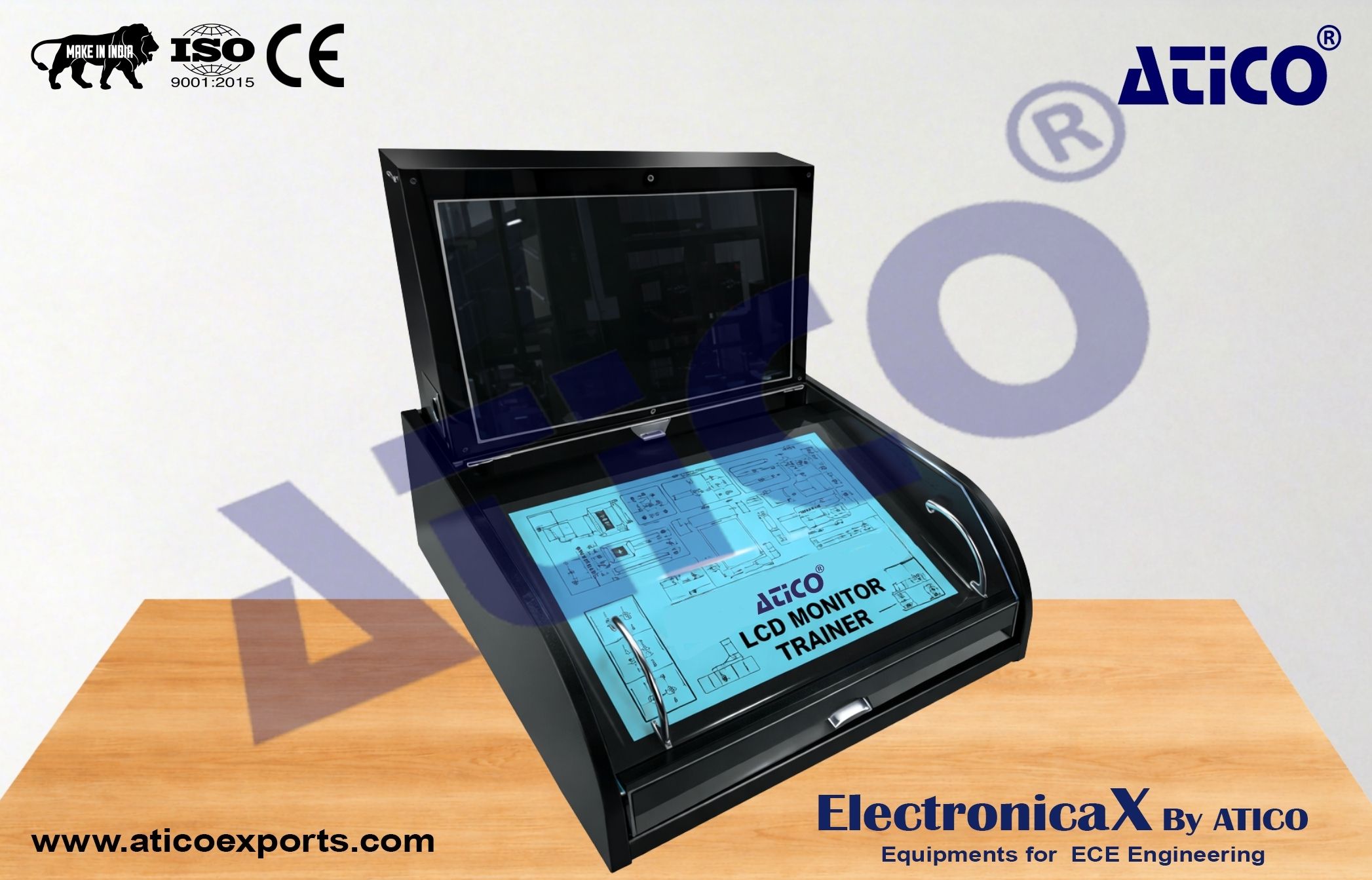
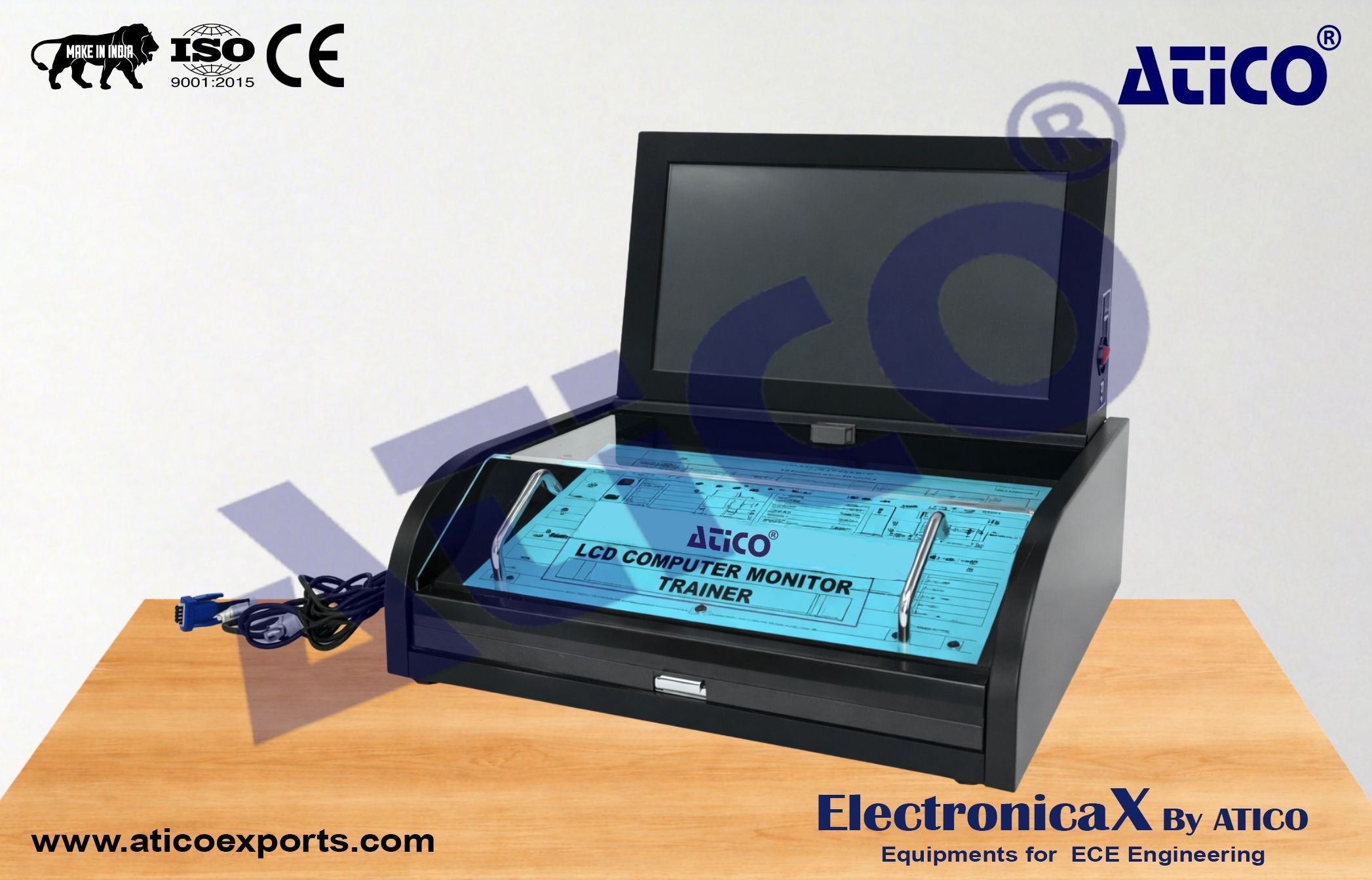
LCD Computer Monitor Trainer
LED Computer Monitor Trainer
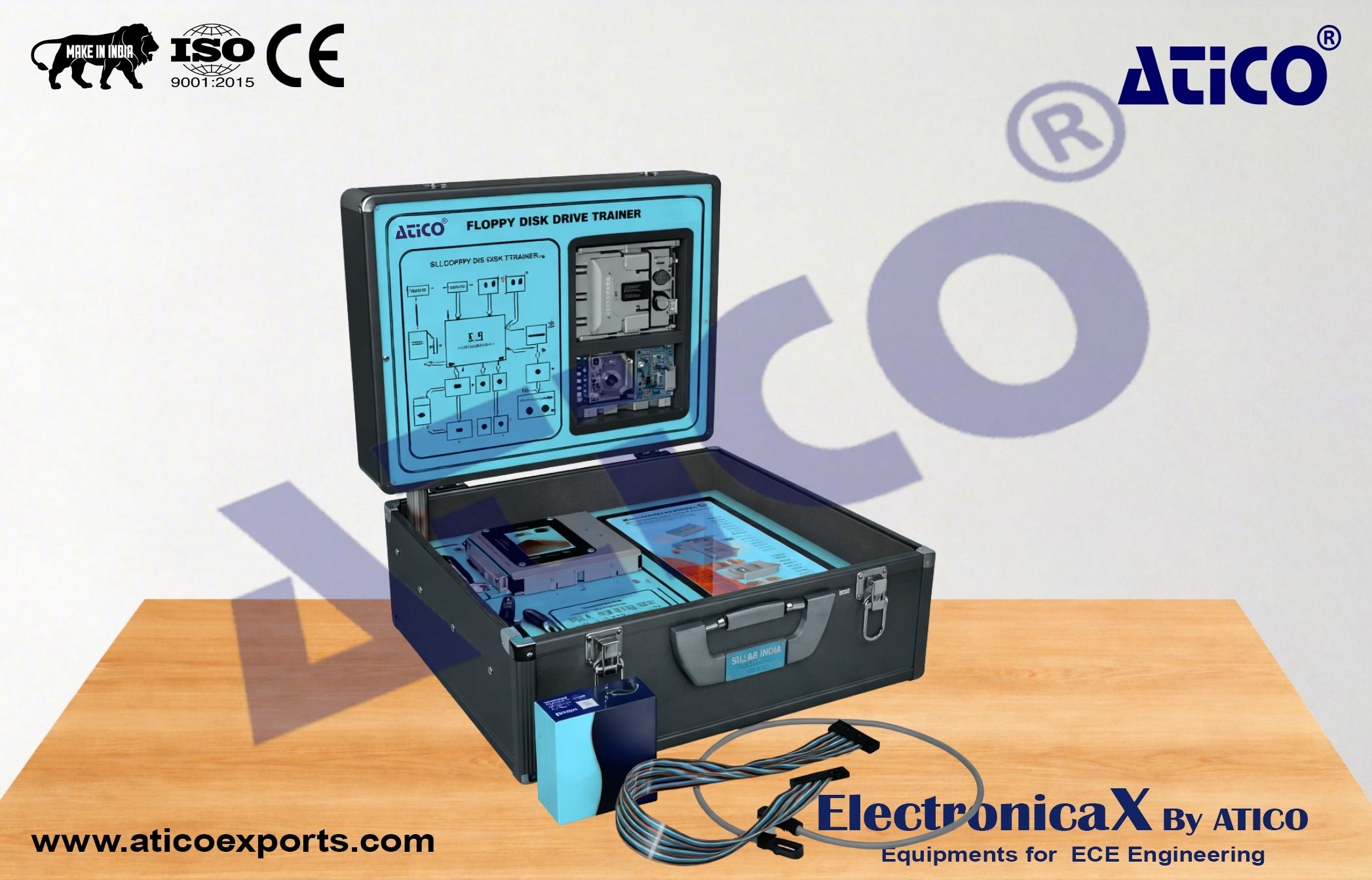
Disk Drive Trainer (Floppy)
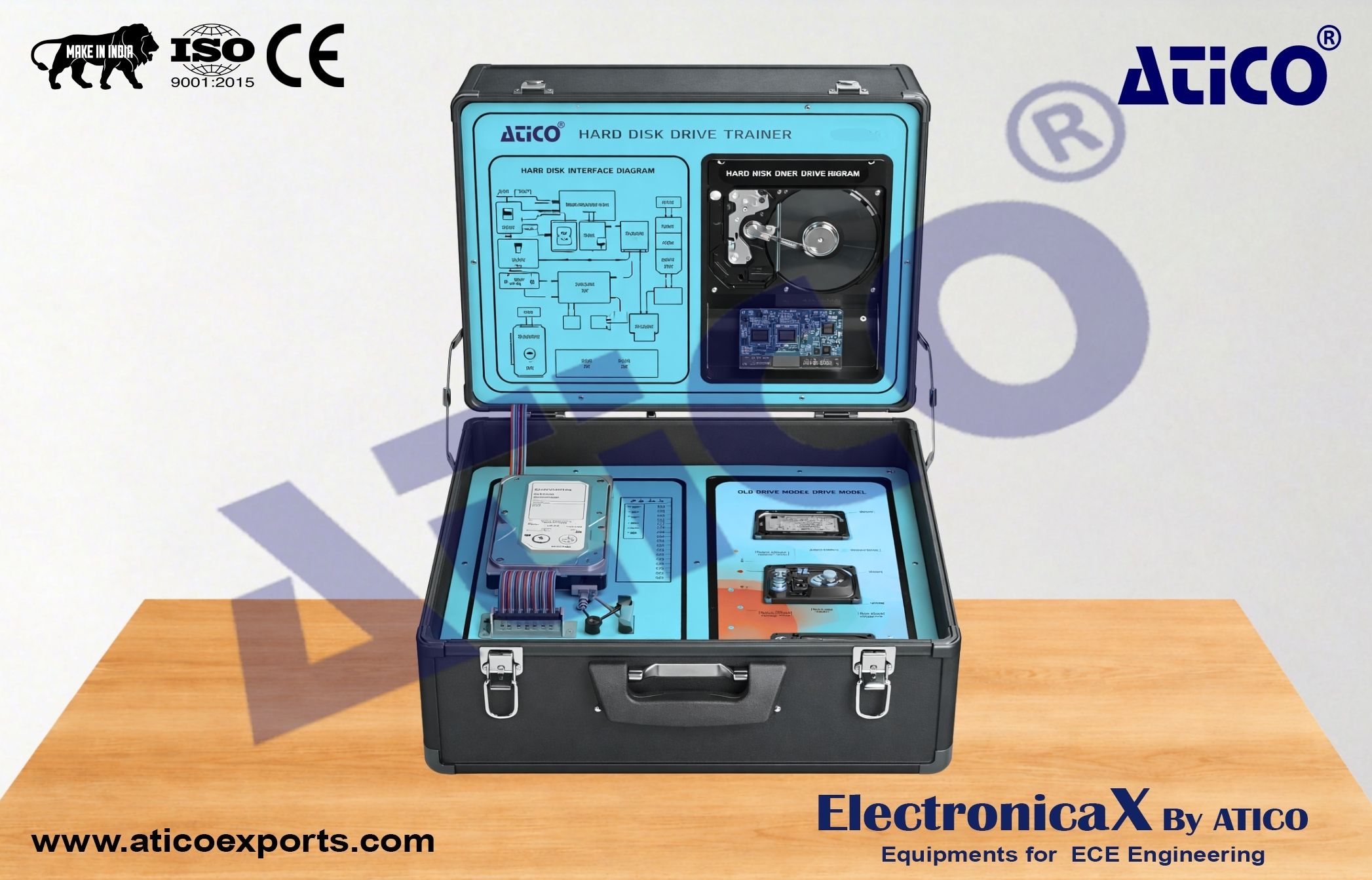
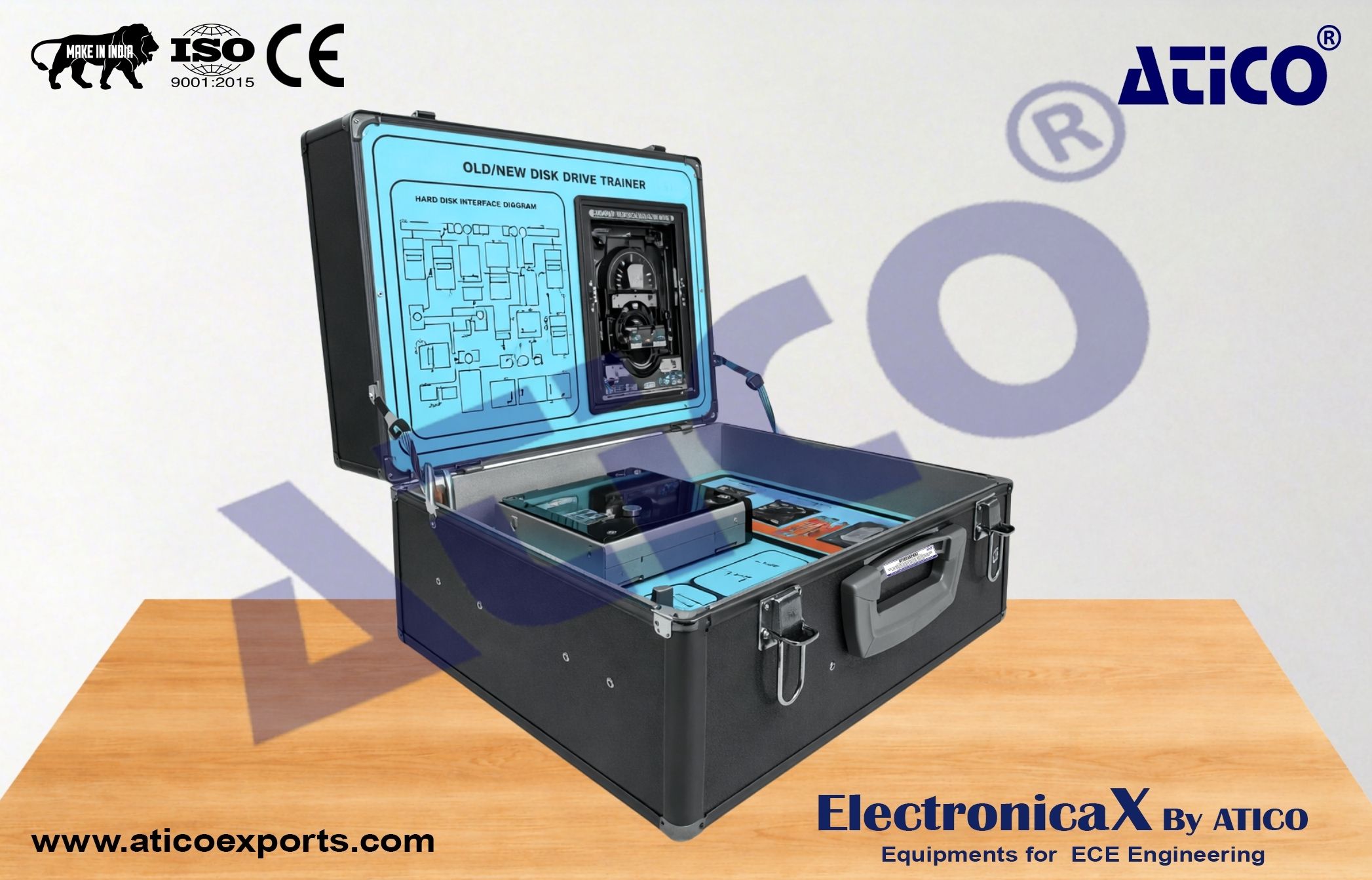
Disk Drive Trainer (Hard Disk)
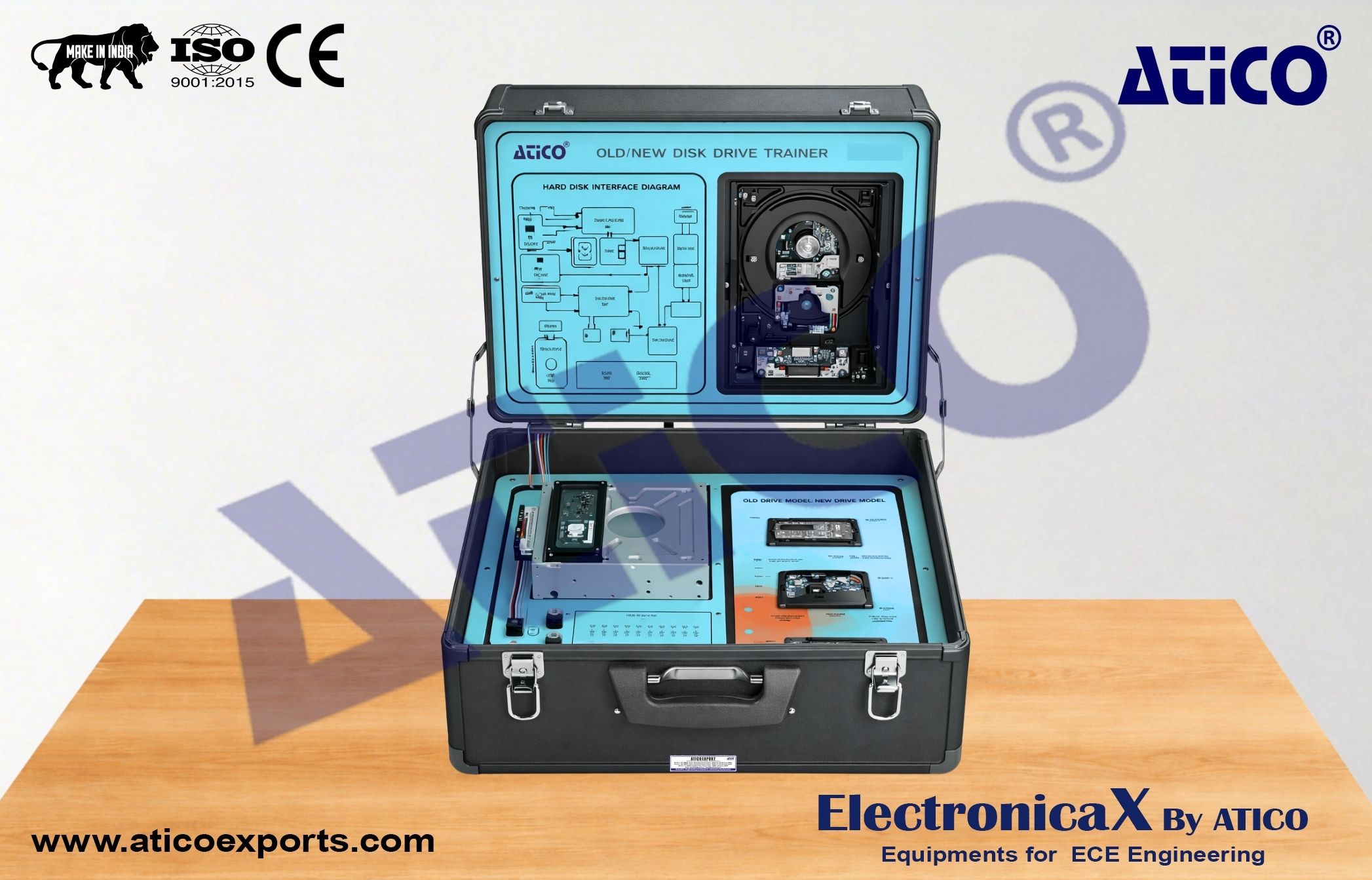
Disk Drive Trainer (DVD–RW)
Disk Drive Trainer (DVD–RW)
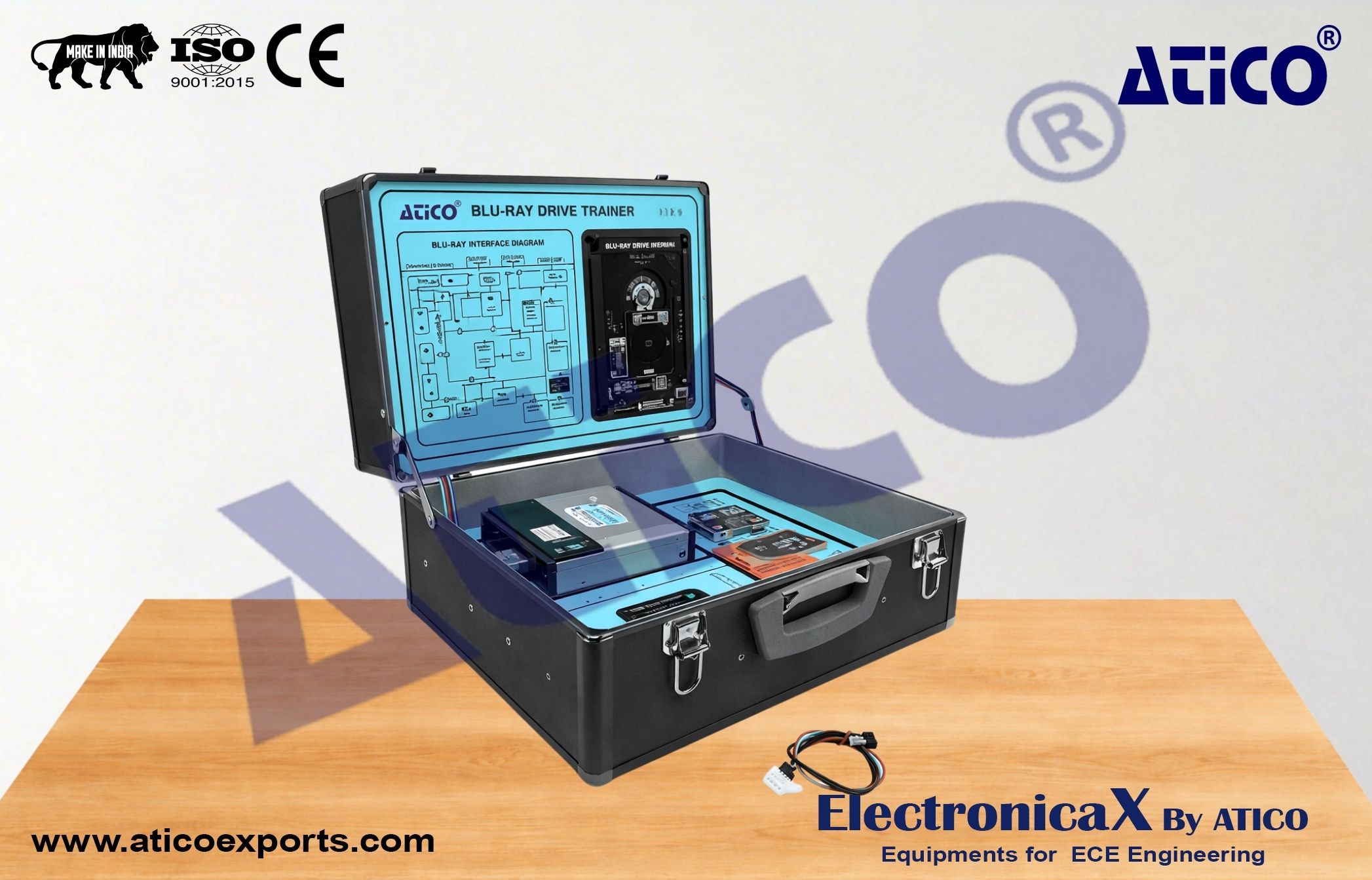
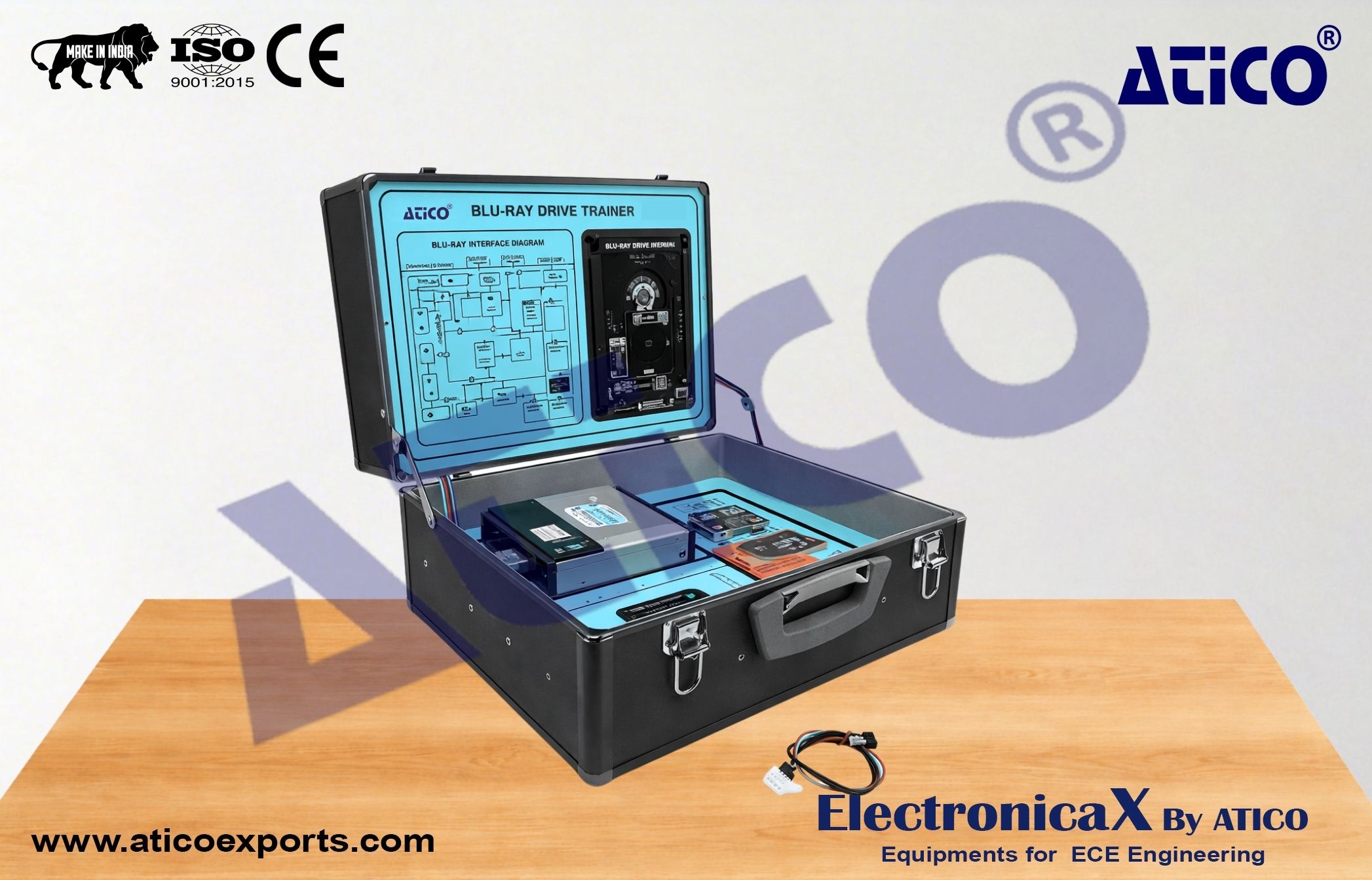
Disk Drive Trainer (Blue-Ray)
Disk Drive Trainer (Blu-Ray RW)
Optional Accessories for Computer
Laptop Troubleshoot Trainer
Server Troubleshooting Trainer
LCD Computer Monitor Trainer
LED Computer Monitor Trainer
Disk Drive Trainer (Floppy)
Disk Drive Trainer (Hard Disk)
Disk Drive Trainer (DVD–RW)
Disk Drive Trainer (DVD–RW)
Disk Drive Trainer (Blue-Ray)
Disk Drive Trainer (Blu-Ray RW)
Optional Accessories for Computer
Laptop Troubleshoot Trainer
Server Troubleshooting Trainer
LCD Computer Monitor Trainer
LED Computer Monitor Trainer
Disk Drive Trainer (Floppy)
Disk Drive Trainer (Hard Disk)
Disk Drive Trainer (DVD–RW)
Disk Drive Trainer (DVD–RW)
Disk Drive Trainer (Blue-Ray)
Disk Drive Trainer (Blu-Ray RW)
Optional Accessories for Computer